 Haily
Private · Always on · Gets things done
Your own AI assistant, living on your computer.
Haily remembers what matters to you, reads your documents, keeps your routines running and works on the web on your behalf. Your conversations and files stay on your machine.
Windows and Linux · Free forever for personal use
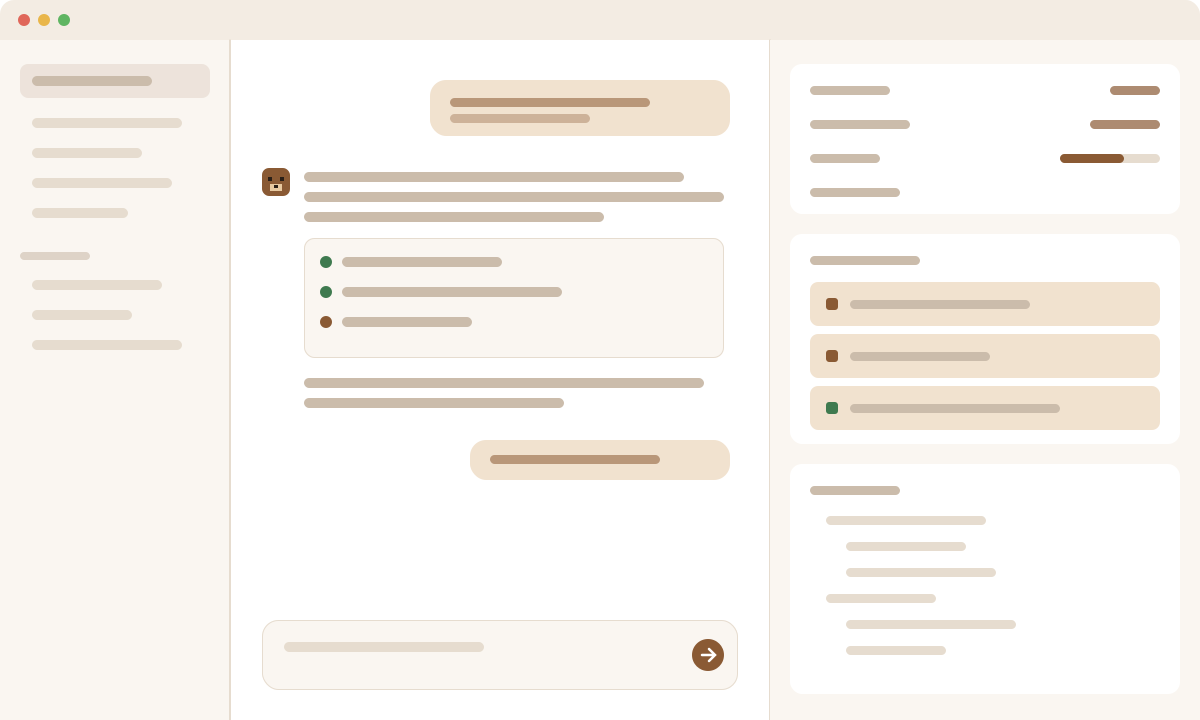
Private by default
An assistant you can trust with real work.
Haily is built for people whose time, documents and decisions matter.
Your data stays with you
Memories, documents and conversation history are stored on your computer, not on our servers. Run a local model and nothing needs to leave your machine at all.
It asks before it acts
Before sending, posting, deleting or paying, Haily asks you. Every action is recorded, and changes to your files can be undone in one click.
It learns how you work
Haily remembers your preferences and turns what worked into reusable skills. You can see, edit or erase everything it has learned.
What Haily does for you
Less busywork. More of your best thinking.
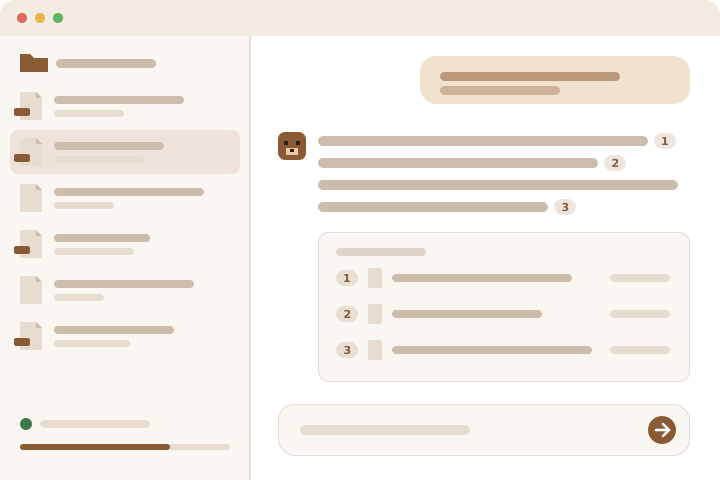
For researchers and scientists
- Drop your papers, reports and notes into your Library; ask questions across all of them.
- Research with real sources: every claim links back to the page it came from.
- Analyse data and draw charts by simply describing what you want.
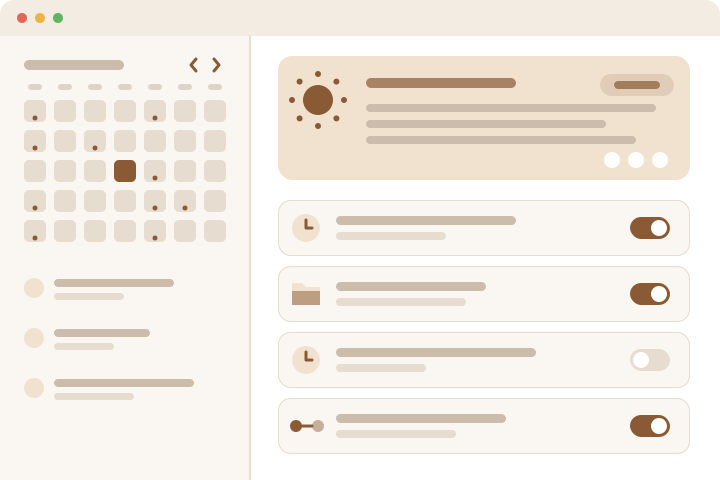
For business owners and executives
- A morning brief of your day: meetings, deadlines, reminders and what needs your attention.
- Recurring tasks on autopilot: weekly reports, follow-ups, watching a folder or a web page.
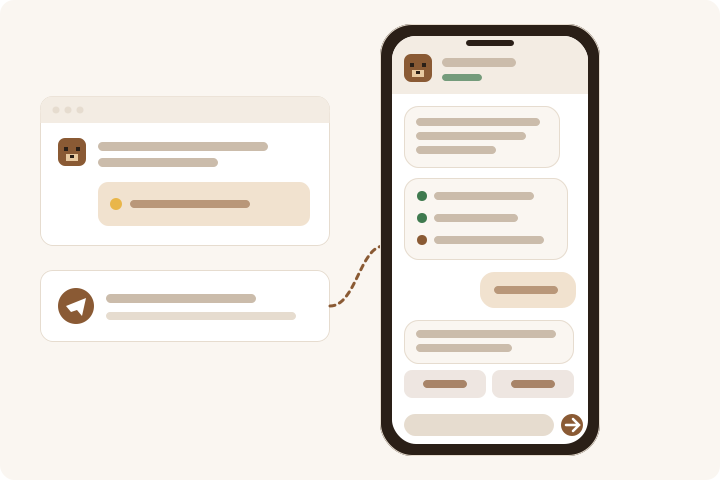
- Results delivered to your phone through Telegram, wherever you are.
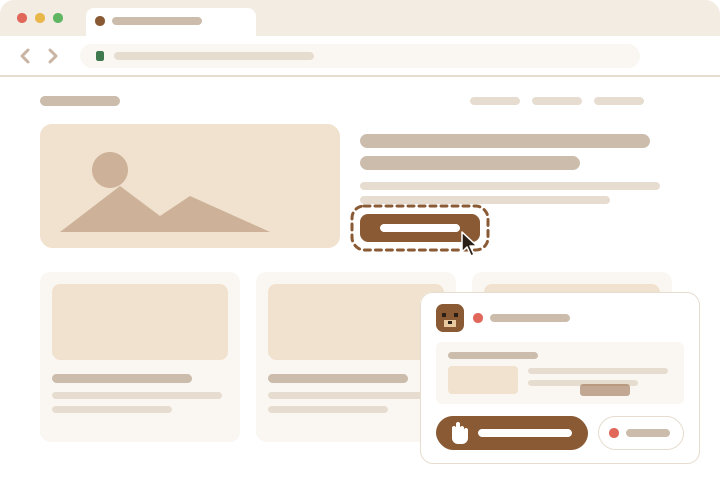
Work on the web, done for you
- Haily looks things up, compares, fills in forms and collects information on websites.
- Watch it work live, and take over with one click at any time.
- Show it once how you do something; it learns the route for next time.
Always there, on every device you use
- Runs quietly in the background — reminders and scheduled tasks keep going even with the window closed.
- Chat from the desktop app or from Telegram on your phone.
- Remembers context across conversations, so you never start from scratch.
Choose the brain
Local, cloud, or both.
Haily picks the right model for each task — a quick one for simple questions, a stronger one for hard thinking.
On your computer
Run open models locally, with or without a graphics card. Fully offline, fully private, no subscription.
Your existing AI accounts
Connect OpenAI, Claude, Gemini or ChatGPT. You keep your own account and only pay your provider for what you use.
Free and Pro
Free to use. Pro when you want a hand.
Haily Pro Coming soon
Personal setup, priority support and training for you or your team.
Learn moreCommon questions
Is Haily really free?
Yes. Haily is free for personal use with every feature included. If you connect a cloud AI account, that provider bills you directly for what you use; local models cost nothing.
Do I need to be technical?
No. Install it like any other app, pick a model in the first-run setup, and start talking. The guide walks you through every step.
Where does my data go?
It stays on your computer. Only what you choose leaves it: messages to a cloud model you connected, or Telegram if you turn it on. Read the privacy page for the details.